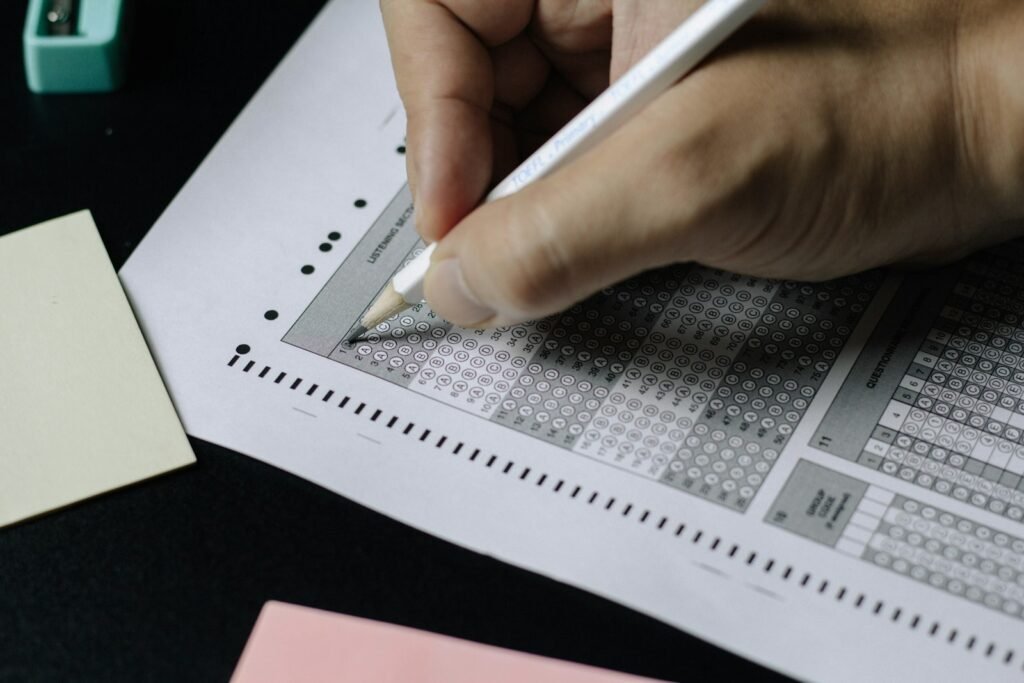
Updated 11 May 2026 · 9:30 AM IST — IIT Roorkee has officially activated the JEE Advanced 2026 admit card download window on jeeadv.ac.in earlier today. With the exam exactly six days away — Sunday, 17 May 2026 — every registered candidate must now download the hall ticket, verify each printed detail, and immediately report any discrepancy to the zonal IIT Chairman. This guide walks you through the official download process, decodes every field on your admit card, lists the most common errors candidates are reporting in the first hours, and gives you a printable exam-day checklist used by JEE Gurukul’s 2026 batch.
Admit Card Download Window: Exact Timings You Must Know
According to the official notice on jeeadv.ac.in, the JEE Advanced 2026 admit card is available from 5:00 PM on 11 May 2026 to 2:30 PM on 17 May 2026. That last cut-off is critical — the link goes inactive precisely when Paper 2’s gate closes, so do not assume you can re-download on exam morning if you misplace your printout.
You need three credentials at the JEE Advanced candidate portal: Registration Number, Date of Birth, and Registered Mobile Number. Candidates who have forgotten their registration number can retrieve it via the candidate portal at cportal.jeeadv.ac.in by entering their JEE Main 2026 application number and date of birth — useful for the roughly 1 in 12 candidates who lose this in the four-week gap between Main results and Advanced registration.
The download itself is a PDF. Take a printed colour copy on plain A4 — black-and-white printouts have been rejected at some zones in earlier years. Keep at least two backup prints and one digital copy on your phone. Our recommendation at JEE Gurukul: print three colour copies tonight, store one with a parent, one in your exam bag, one as a folded backup.
Step-by-Step: How to Download Your Hall Ticket Without Errors
The portal is under heaviest load between 6 PM and 11 PM on release day, which is right now as you read this. If you see a “session expired” or “server busy” message, do not panic — IIT Roorkee’s experience from JEE Advanced 2023 (also conducted by them) shows the portal stabilises after 1 AM. Here is the cleanest path:
- Open jeeadv.ac.in in Chrome or Firefox (avoid in-app browsers from WhatsApp).
- Click “Candidate Portal” → “JEE Advanced 2026 Admit Card”.
- Enter registration number, DOB (DD-MM-YYYY), and mobile number exactly as during registration.
- Solve the captcha — it is case-sensitive this year.
- Click “Download Admit Card”. The PDF opens in a new tab.
- Save the PDF with filename format
JEEAdv2026_<RegNo>.pdfand print on colour laser/inkjet at 100% scale.
If the portal hangs, clear cookies and retry; do not open multiple tabs of the same session — you will be auto-logged out. For our enrolled aspirants, JEE Gurukul mentors are on standby on the parent WhatsApp group for live troubleshooting throughout tonight.
What Your JEE Advanced 2026 Admit Card Contains: Field-by-Field
Before you celebrate the download, you need to verify every single field on the admit card. Treat it like a passport application — one wrong character can mean denial of entry on 17 May. Here is exactly what your hall ticket will show:
- Candidate name — must match the Class 12 board certificate and the photo ID you will carry on exam day. Spelling, middle initials, and surname order all matter.
- Roll number / Registration number — your unique JEE Advanced 2026 ID. Memorise this; you will quote it on the OMR rough sheet, attendance register, and the response sheet portal post-exam.
- Date of birth — cross-check with school certificate.
- Category / sub-category — General/OBC-NCL/SC/ST/EWS plus PwD if applicable. A wrong category here cascades into wrong reservation at JoSAA counselling.
- Paper 1 and Paper 2 timings — Paper 1: 9:00 AM–12:00 noon. Paper 2: 2:30 PM–5:30 PM. Reporting begins 8:00 AM and 1:30 PM respectively, gate closes at 8:30 AM and 2:00 PM. No entry after gate close — no exceptions.
- Allotted exam city and exam centre with full address — this is the field most candidates miss. Do a Google Maps reconnaissance trip tomorrow or day after.
- Language of question paper — English or Hindi as opted during registration.
- Photograph and signature — the same images you uploaded in May registration.
- Self-declaration and exam-day instructions box — sign this only on exam day, in the presence of the invigilator.
At JEE Gurukul we run a free admit card verification checklist for every enrolled student — you can use the same checklist independently.
Common Errors Reported in the First 12 Hours (and Exactly How to Fix Them)
Based on candidate reports across forums and the JEE Gurukul student helpline since 9 AM, these are the five most frequent admit card issues this cycle:
- Wrong photograph (blurred, swapped with another candidate, old photo from JEE Main 2024). Fix: email the Chairman, JEE Advanced 2026 of your zonal IIT (IIT Roorkee is the organising IIT this year; zonal IITs handle individual candidates) with a scanned copy of the admit card and the correct passport-size photo. Mark a copy to the JEE Advanced helpdesk at jeeadv.ac.in/contact.
- Name mismatch with Class 12 marksheet (extra spaces, missing middle name, transliteration of regional-language name). Fix: write to the zonal Chairman within 24 hours with a scanned Class 12 certificate. Carry both documents on exam day with a self-attested affidavit if correction is not processed in time.
- Date-of-birth mismatch. Fix: same as above — DOB cannot be wrong on exam day; the invigilator may bar entry under impersonation rules.
- Wrong exam city or centre allocation (very rare this year because city choice was locked at registration). Fix: this generally cannot be changed; plan travel and lodging today itself.
- Admit card not generating (“Record not found”) — usually means registration fee was never debited, or the candidate did not meet the JEE Main 2026 cut-off for top 2.5 lakh. Verify your JEE Main rank, then contact the zonal IIT immediately.
The official instruction is unambiguous: any discrepancy left unreported can lead to rejection at the exam centre or debarment for impersonation. Do not gamble — report by tonight.
Exam-Day Documents & Dress Code: The Full Checklist
Apart from the colour-printed admit card, you must carry one valid original photo ID — Aadhaar, PAN, Passport, Voter ID, Driving Licence, or school ID with photo are all accepted. Photocopies and digital IDs are not accepted. The name on the ID must match the admit card exactly.
Also carry 2–3 recent passport-size photographs (same image as on the admit card) for any on-the-spot pasting on attendance sheets. A transparent ballpoint pen is permitted; everything else — calculators, watches, smart bands, jewellery, wallets, mobile phones, earphones — is banned inside the exam hall.
Dress code: light half-sleeve clothing, no large buttons or heavy embroidery, no metal accessories. Closed shoes are not permitted — wear open sandals or slippers. This rule trips up several candidates every year; do not let it be you.
For our last lap of revision strategy, see the JEE Gurukul blog where we publish daily countdown notes through 17 May.
The Final 6-Day Roadmap: What to Do After the Admit Card Lands
The admit card is downloaded — now what? Top scorers we have tracked across five JEE Advanced cycles follow a near-identical T-6 to T-0 schedule:
- T-6 (Today, 11 May): Download, verify, print 3 copies. Do not start any new topic.
- T-5 (12 May): Visit your allotted centre. Walk the route. Note traffic at 7:30 AM. Identify a backup transport option.
- T-4 (13 May): Full Paper 1 mock at home, 9 AM–12 noon. Strict simulation.
- T-3 (14 May): Review mock. Light revision of formula sheets only.
- T-2 (15 May): Full Paper 2 mock, 2:30 PM–5:30 PM.
- T-1 (16 May): No new problems. Pack your transparent pouch tonight. Sleep by 10:30 PM.
- T-0 (17 May): Reach centre by 7:30 AM. Carry water, admit card, ID, pen, photos.
JEE Advanced 2026 Quick MCQ Drill (Mixed Phy/Chem/Math)
Test your final-week readiness — answers at the bottom.
- (Physics) A particle moves along x-axis with velocity v = 4t − t². The displacement from t=0 to t=4 s is: (a) 32/3 m (b) 0 m (c) 16/3 m (d) 8 m
- (Physics) Two coherent sources of intensities I and 4I produce an interference pattern. Ratio of maximum to minimum intensity is: (a) 5:3 (b) 9:1 (c) 4:1 (d) 25:9
- (Chemistry) Which of the following has the highest first ionisation enthalpy? (a) C (b) N (c) O (d) F
- (Chemistry) The IUPAC name of CH₃–CH(OH)–CH=CH–CHO is: (a) 4-hydroxypent-2-enal (b) 2-hydroxypent-3-enal (c) 4-hydroxy-2-pentenal (d) Both (a) and (c)
- (Maths) If f(x) = |x−1| + |x−2| + |x−3|, the minimum value of f(x) is: (a) 1 (b) 2 (c) 3 (d) 4
Answers: 1-(a) 32/3 m · 2-(b) 9:1 · 3-(b) N (half-filled stability) · 4-(d) both (a) and (c) are accepted notations · 5-(b) 2 (at x=2).
Frequently Asked Questions
Q1. Until when can I download the JEE Advanced 2026 admit card?
Until 2:30 PM on 17 May 2026 — exactly when Paper 2’s gate closes. The link goes inactive after this.
Q2. What do I do if my photo on the admit card is wrong?
Immediately email the Chairman, JEE Advanced 2026 of your zonal IIT with the scanned admit card and the correct photo. Also carry the correct photo and Class 12 certificate to the exam centre.
Q3. Are closed shoes really banned at the JEE Advanced exam centre?
Yes. Only open sandals or slippers are permitted. This rule is strictly enforced.
Q4. Can I carry a digital copy of the admit card on my phone?
No. A printed colour copy is mandatory. Mobile phones are banned inside the exam hall anyway.
Q5. What if I miss Paper 1 due to a traffic delay?
You cannot sit only for Paper 2. Both papers are mandatory; missing one means your candidature is invalid.
JEE Gurukul wishes all 2026 aspirants strength, sharp focus, and steady nerves over the next six days. For T-5 specific strategy and a printable exam-day checklist, see our companion blog hub.